
젠킨스 설치 및 실행
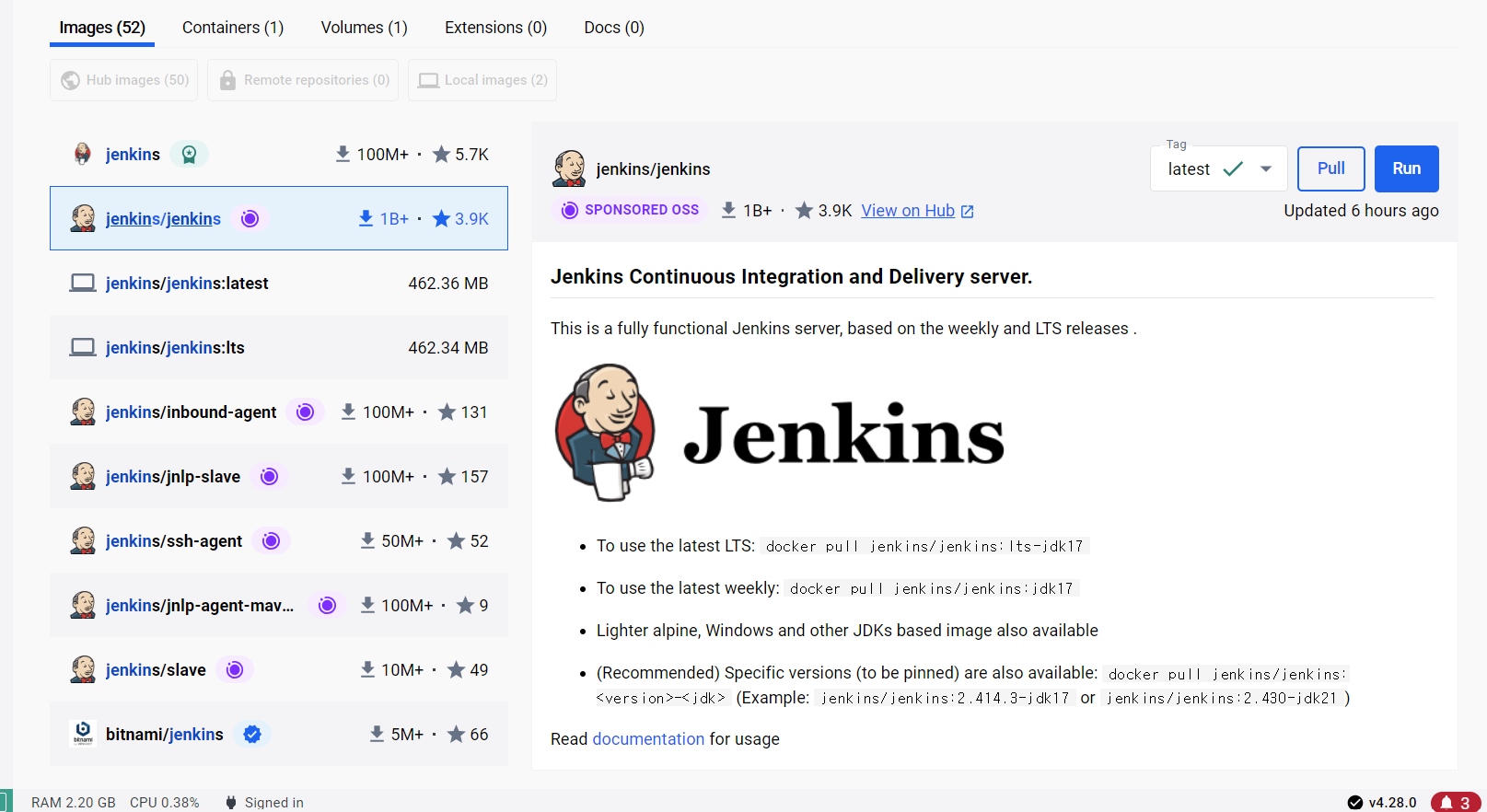
1. Docker를 통해 Jenkins 이미지를 Pull 받는다.
2. Jenkins를 실행한다.
docker run -d -p 9090:8080 --name jenkins jenkins/jenkins
실행 확인
docker ps
///
CONTAINER ID   IMAGE                 COMMAND                   CREATED      STATUS         PORTS                               NAMES
62812e730590   jenkins/jenkins:lts   "/usr/bin/tini -- /u…"   2 days ago   Up 9 seconds   50000/tcp, 0.0.0.0:9090->8080/tcp   jenkins
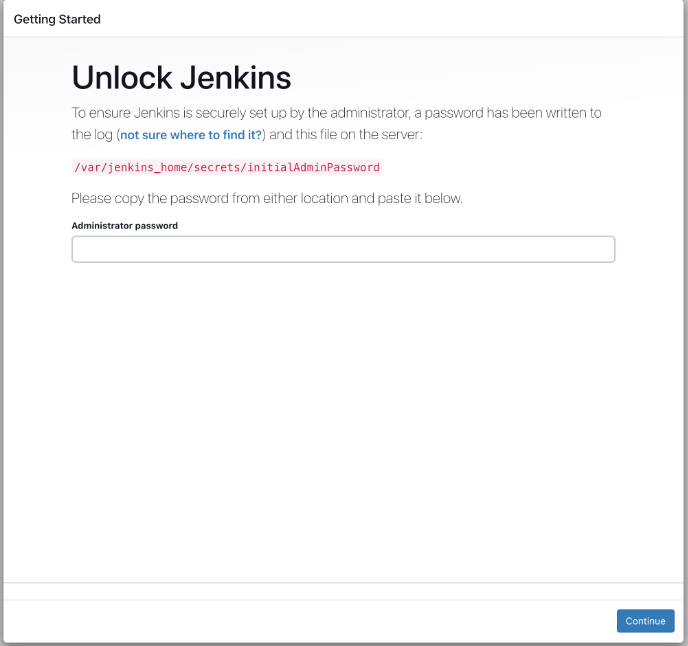
실행시킨 포트로 접근하면 아래와 같이 password를 입력하라고 한다.
터미널을 통하여 Docker의 shell을 실행시키거나
docker exec -it jenkins /bin/bash
DockerDesktop의 Exec 탭을 활용하여 Password 확인을 한다.
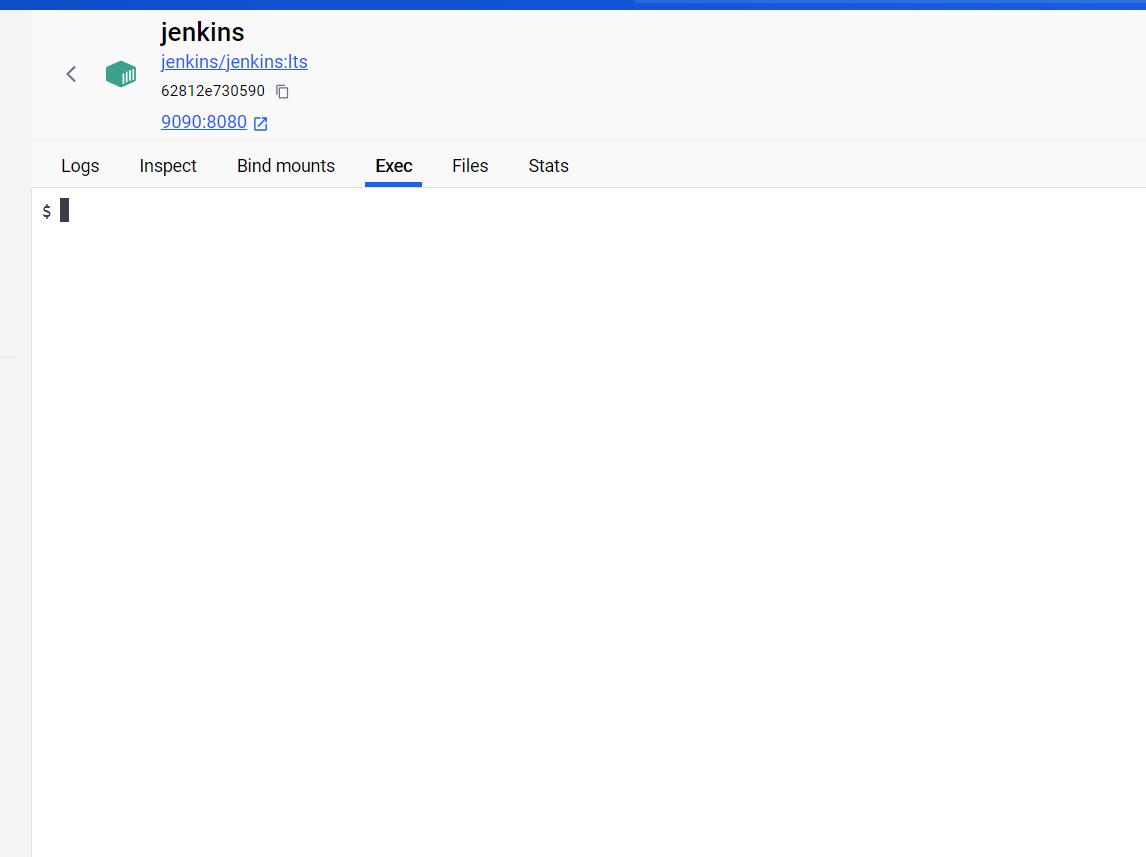
아래 명령어를 실행시키면 Password를 확인할 수 있다.
cat /var/jenkins_home/secrets/initialAdminPassword
아래와 같이 Install 창이 나오면 Install suggested plugins으로 설치 진행한다.

플러그인 설치 후 계정 로그인은 스크린샷을 못 떴다...
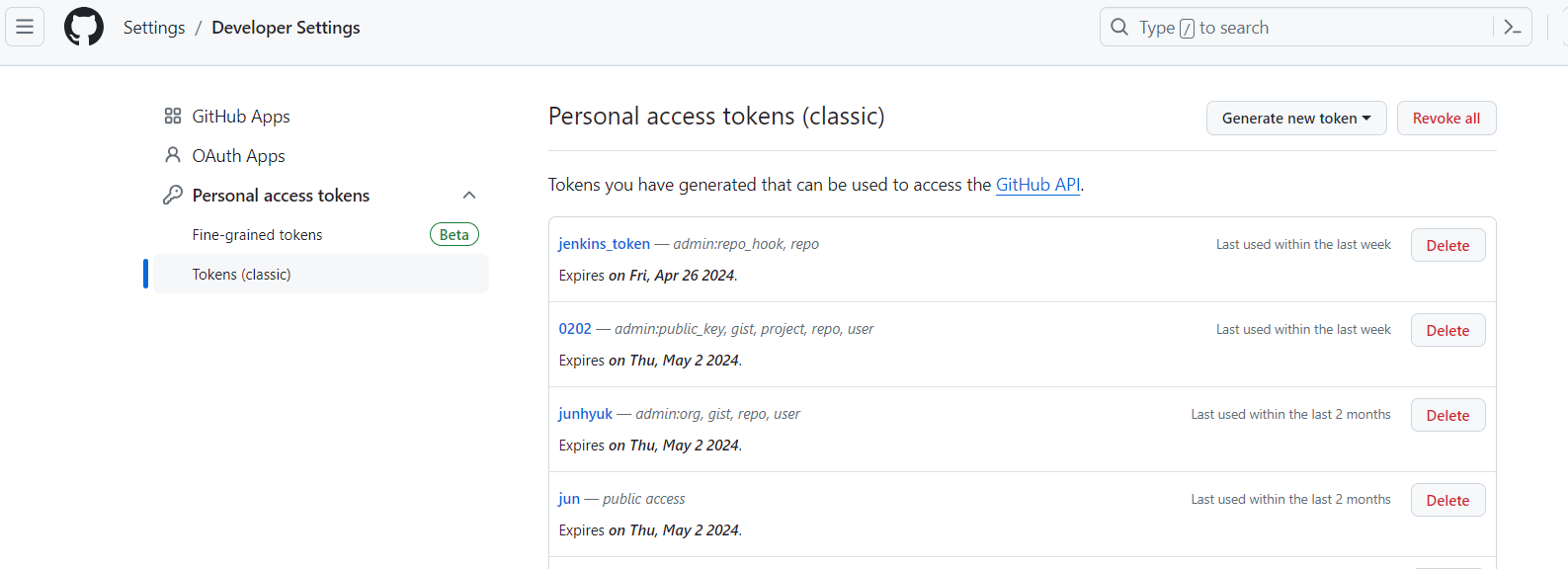
Github 토큰 발행
Developer settings - Personal Access tokens - Tokens(classic) - Genereate new token(classic)
repo, admin:repo_hook 체크하여 토큰을 발행받는다.
젠킨스 credentials 3개 생성
- 토큰기반 Github 인증
- id/password 기반 Github 인증
- EC2 서버 pem key 기반 SSH 인증

Jenkins 파이프라인 생성

파이프라인 하단의 Pipeline Syntax 클릭하여 git 클론 스크립트를 바로 생성받을 수 있다.
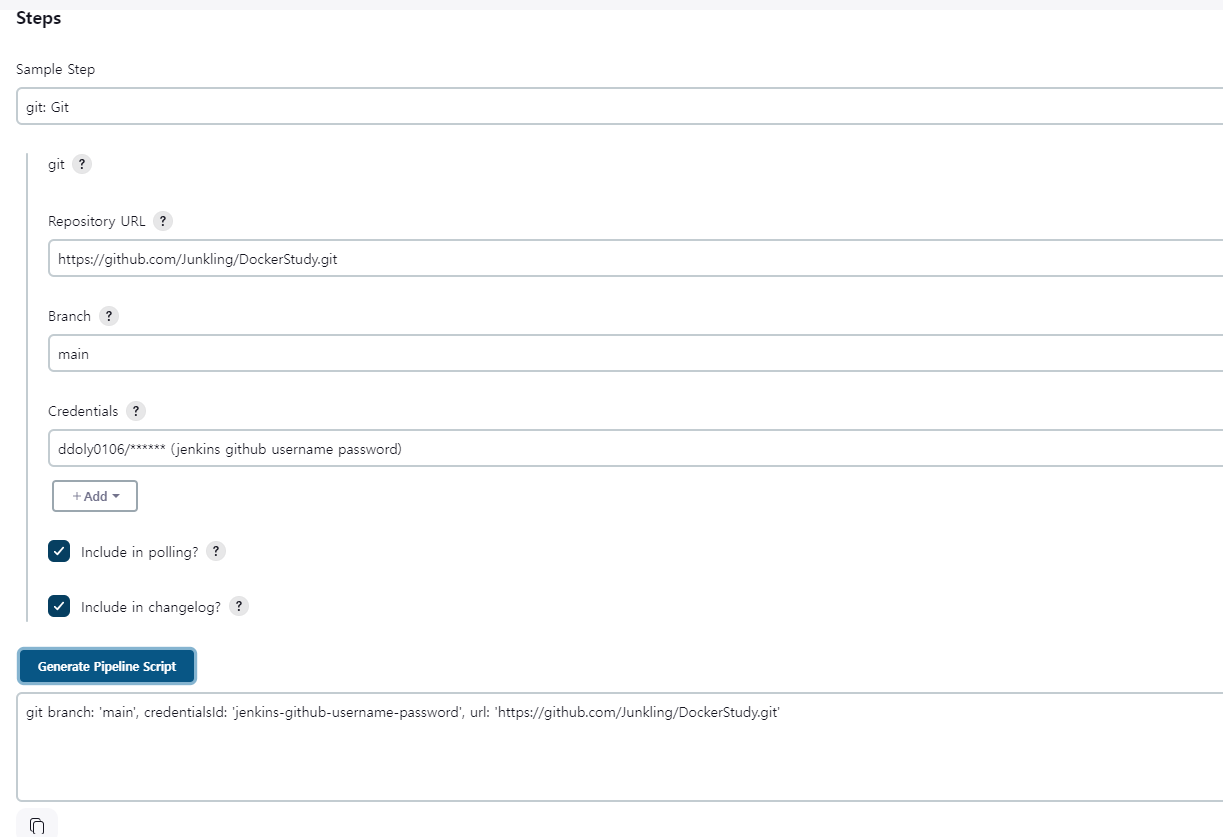
해당 스크립트를 넣으면 깃에서 클론 해오는 step을 설정할 수 있다.
EC2 서버 jar 설치 쉘 스크립트 생성
pid=$(pgrep -f mydemo)
if [ -n "${pid}" ]
then
        kill -15 ${pid}
        echo kill process ${pid}
else
        echo no process
fi
chmod +x ./mydemo/demo-0.0.1-SNAPSHOT.jar
nohup java -jar ./mydemo/demo-0.0.1-SNAPSHOT.jar >> application.log 2> /dev/null &
스크립트 전체 (클론, 빌드, ssh 배포)
pipeline {
    agent any
    stages{
        stage('Git clone'){
            steps {
                git branch: 'main',
                credentialsId: 'jenkins-github-username-password',
                url: 'https://github.com/Junkling/DockerStudy.git'
            }
        }
        stage('build with gradle') {
            steps {
                sh 'cp /var/jenkins_home/workspace/settings/application.yml src/main/resources/application.yml'
                sh 'chmod +x gradlew'
                sh './gradlew clean build'
            }
        }
        stage('deploy') {
            steps {
                sshagent(credentials: ['jun_1-ssh-key']) {
                    sh '''
                        ssh -o StrictHostKeyChecking=no ubuntu@43.201.30.246 uptime
                        scp /var/jenkins_home/workspace/spring-pipeline/build/libs/*.jar ubuntu@43.201.30.246:/home/ubuntu/mydemo
                        ssh -t ubuntu@43.201.30.246 chmod +x ./deploy.sh
                        ssh -t ubuntu@43.201.30.246 ./deploy.sh
                    '''
                }
            }
        }
    }
}
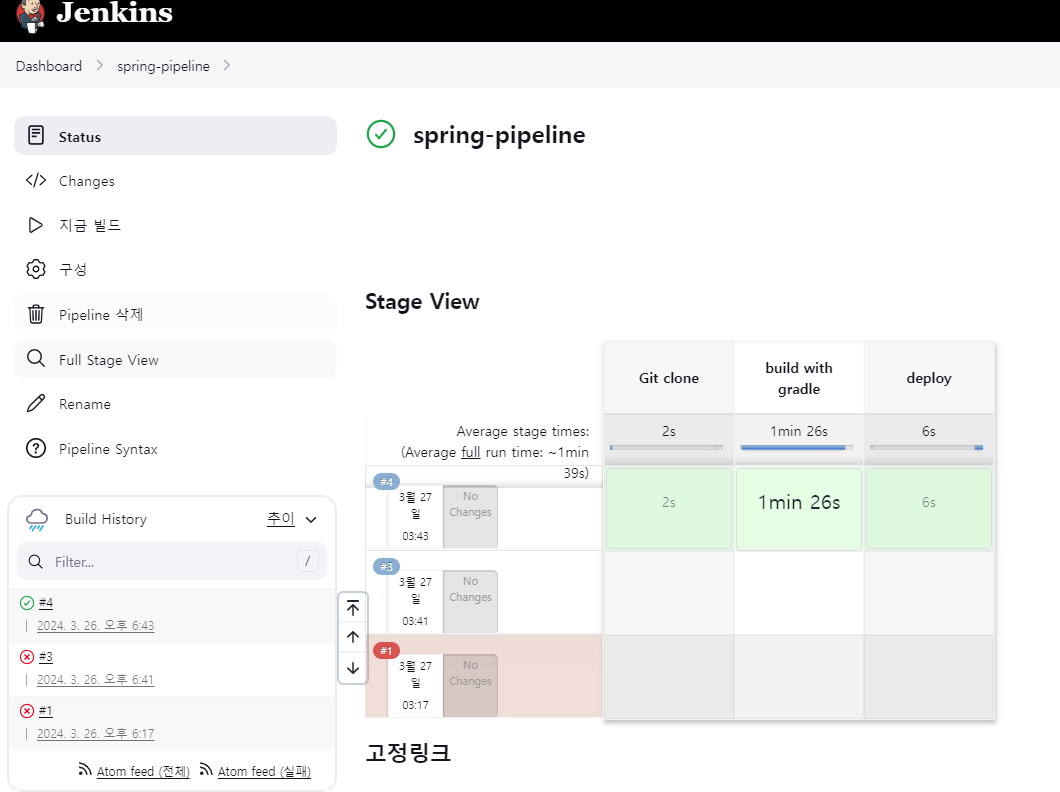
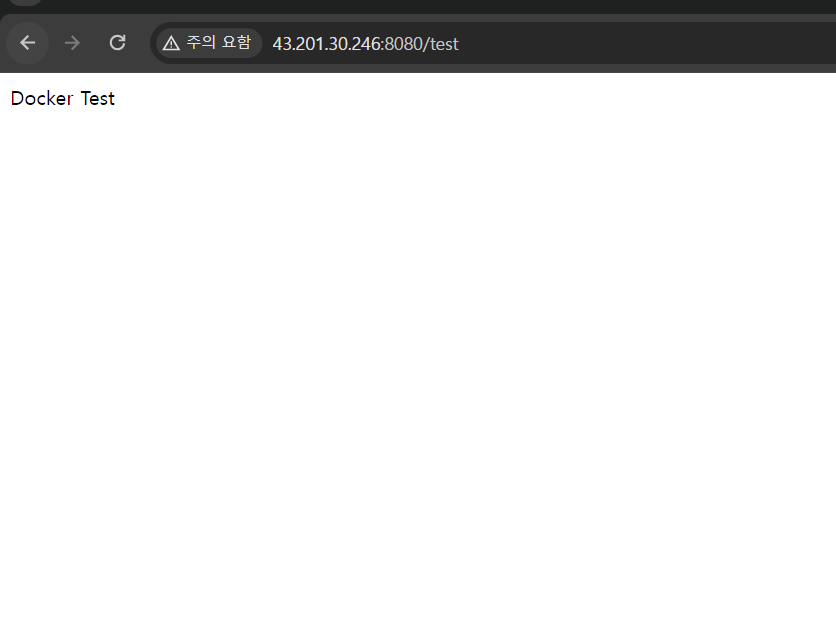
지금 빌드 클릭하여 배포

'Docker' 카테고리의 다른 글
| GitLab 웹훅 적용 (0) | 2024.04.22 |
|---|---|
| [Docker-compose] Mysql , SpringBoot 배포 (1) | 2024.04.06 |